BENEFITS OF LENOVO XT1902-3 FRP FRP FILE
No Need Any Professional Dongle or Flashing DongleNo Need Any FRP Bypass APK No Need Google Account ManagerNo Need QuickShortcutMaker ApkWithout Flash File Stock RomNo Need Long Time waste Bypass TimeNo Need Any Dead RiskWithout Any IMEI Damage Risk And This FRP File Support All Version Of Lenovo XT1902-3 Frp
WHAT YOU NEED FOR REMOVE FRP ON LENOVO XT1902-3 FRP
- A Windows PC
- Lenovo XT1902-3 Frp MTK Scatter FRP Reset File
- FRP Address
- FRP Flashing Tools
- USB Drivers And USB Cable
- and That it
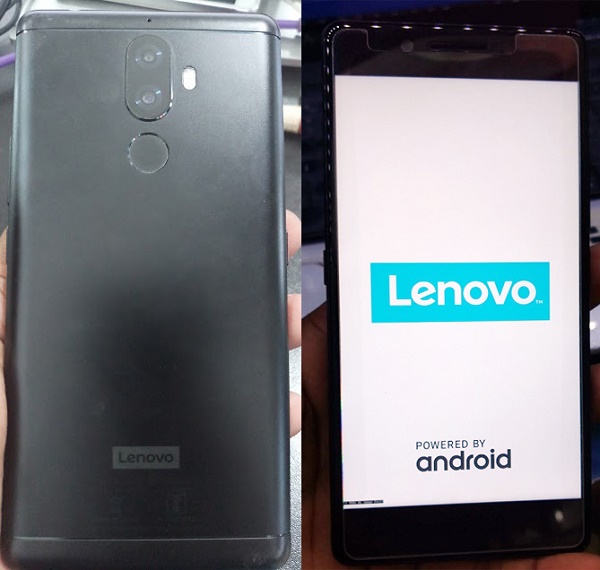
Lenovo XT1902-3 MT6797 FRP Bypass With SP Flash Tools
40Mb FRP File
Frp Reset File & Tool DLL Image Fix

HOW TO USE LENOVO XT1902-3 FRP RESET FILE
- Download And Extract All Frp File And Tools
- Install MTK USB Driver (if have Installed Before Then Skip This Step)
- Open Smart Phone Flash Tools
- Now Click Choose Load Scatter File From FRp File
- After Load FRP Scatter File Now Move To Format TAB And Select Manual Format Flash
- And Open Frp Address Text file from frp file and put the address code in manual format flash and hit start button
- Now Power off Your Smart Phone And Then Insert USB Cable To You Computer
- Once Boot Detected you Will Be Seen Format Ok And That’s mean Your Successfully Reset Frp Lock
WARNING
Use FRP Tools That We Provide In Our FRP Reset File Folder. Do Not Flash frp File For Remove Frp Use Manual Address Method Only . and This FRP Reset File Only For Lenovo XT1902-3 Frp Don’t try this others Model.due to not following our guide properly any kind of error NET ZONE not responsible for this so only do this process own your risk if you know that what are you doing ?


 Hello, my name is Jack Sparrow. I'm a 50 year old self-employed Pirate from the Caribbean.